
Nutrition Tracker That Lets You Hide Calories Option
Snacko is the food tracking app that makes healthy eating effortless. Join thousands building better eating habits every day.

You know how some people keep their browser history private? I've noticed the same thing happens with calorie counting—sometimes we need that mental space without the constant number pressure staring back at us. I've watched friends abandon nutrition apps entirely because seeing those daily totals became more overwhelming than helpful. That's where nutrition trackers with hideable calorie displays come in. They let you focus on building healthy habits while keeping the math quietly in the background when you need it to be.
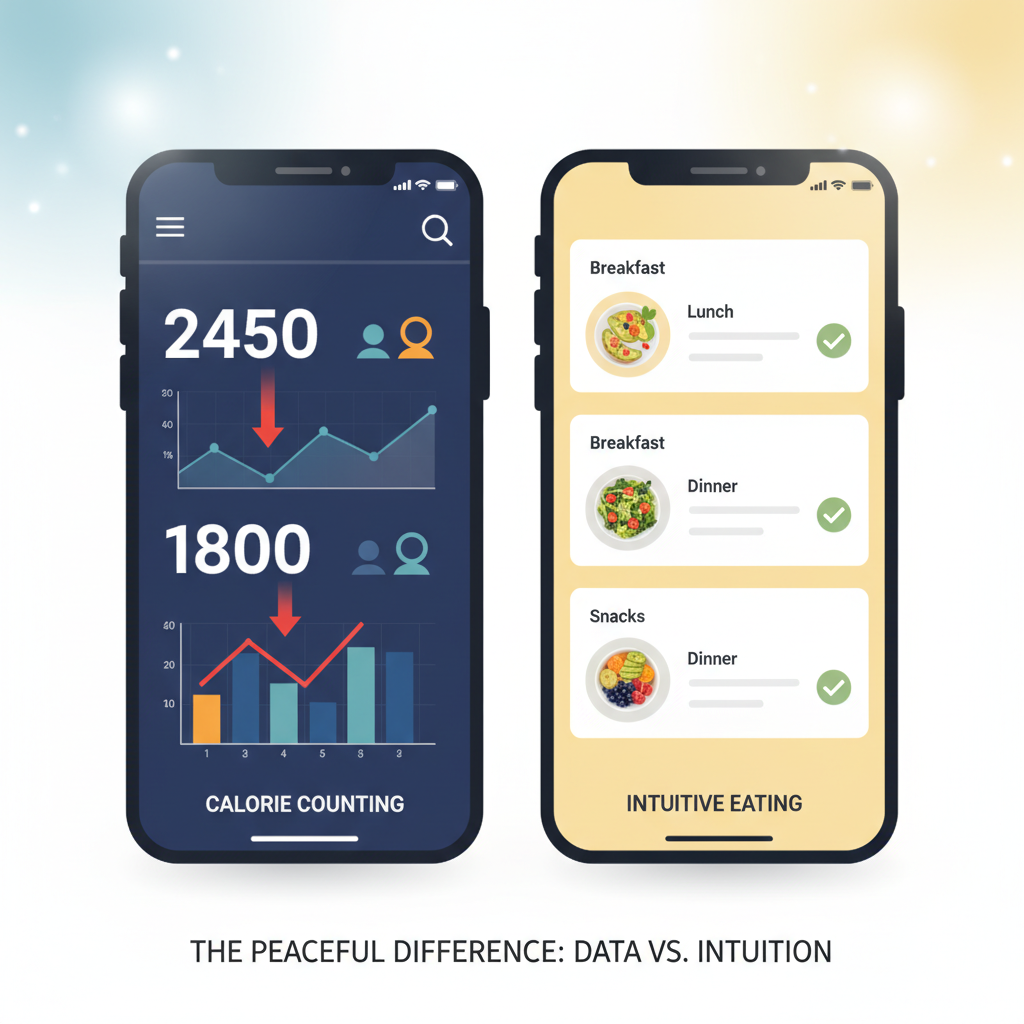
Why I Switched From MyFitnessPal After Years of Obsessing Over Numbers
I spent three years religiously logging every bite into MyFitnessPal, watching those red numbers mock me when I went over my calorie limit. What started as helpful awareness turned into this exhausting mental math game where I'd skip dinner if lunch put me "in the red."
The worst part? I'd actually choose worse foods just because they fit my numbers better. A protein bar over real lunch because it was "safer" calorie-wise. That's when I realized the app was controlling my eating instead of helping me understand it. I needed something that could track my nutrition without turning every meal into a pass/fail test.
Setting Up Your App to Track Nutrients Without the Anxiety Spiral
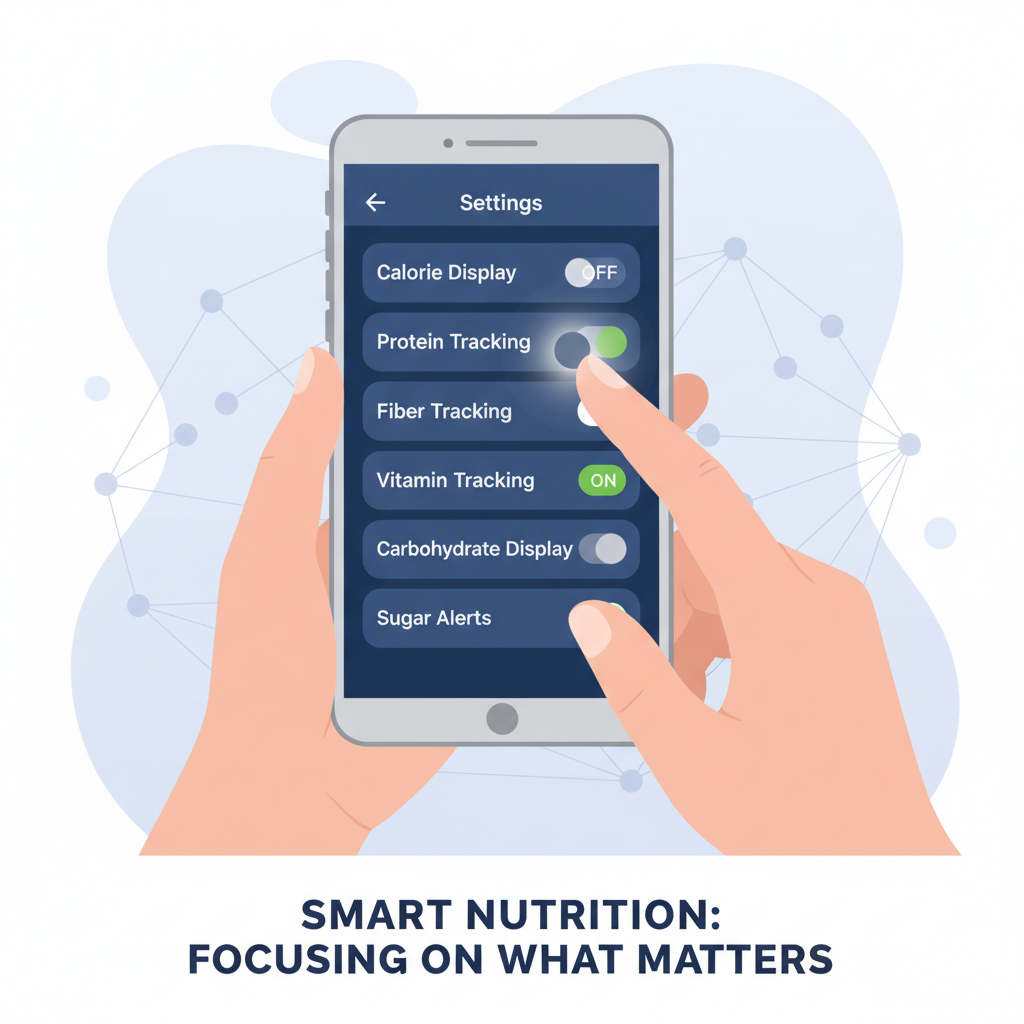
I've learned the hard way that jumping straight into detailed macro tracking is a recipe for obsession. What worked for me was starting ridiculously simple – I tracked just protein for two weeks. That's it.
Most apps let you customize which nutrients show up on your main screen. Hide calories immediately if they trigger you. I focused on getting enough fiber first, then added iron when I realized I was constantly tired.
The key is picking one thing you actually want to improve, not everything the app suggests. I ignored the red warning notifications about going over sodium – those just made me anxious about a perfectly normal day of eating. Turn off any alerts that make food feel like a test you can fail.
What Actually Happened When I Focused on Food Quality Instead of Quantities
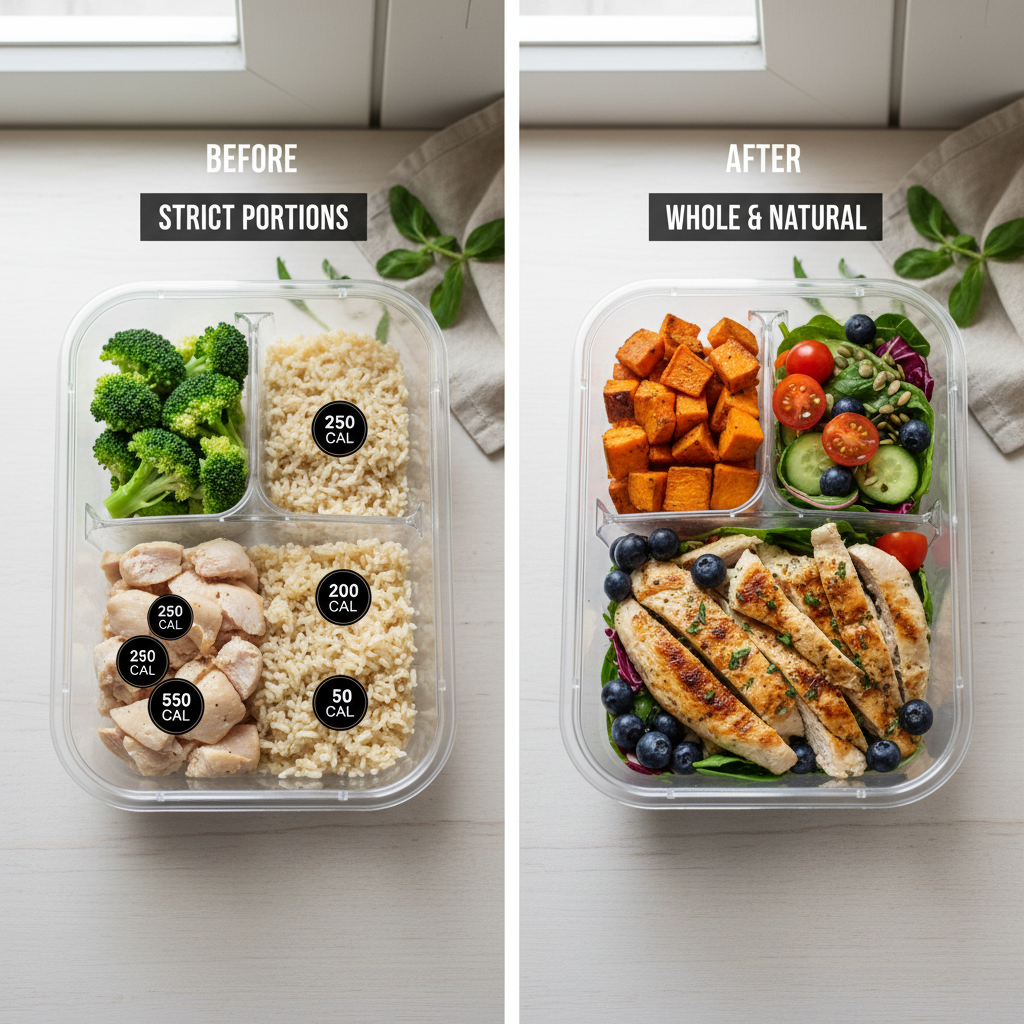
Basic Level: Single Swaps I started by replacing one processed item per meal. Instead of tracking 300 calories of cereal, I'd have eggs and avocado without counting anything. The hunger between meals practically disappeared within a week.
Intermediate Level: Whole Categories Next, I eliminated entire food categories from my tracking. No more logging packaged snacks, even "healthy" ones. If I wanted something crunchy, I'd grab nuts or carrots. This forced me to think about what my body actually needed instead of fitting foods into calorie budgets.
Advanced Level: Intuitive Quality Signals Now I barely track anything. I focus on how foods make me feel two hours later. Energy crash? That food's out. Still satisfied and clear-headed? Winner. My weight stabilized without any calorie math.
Building Sustainable Habits When You Can't See the Calorie Counter Anymore
I've watched too many people panic when they first hide their calorie counter. Without those numbers staring back at you, it feels like driving blindfolded. But here's what I've learned works: you need to replace that instant feedback with something else.
Start checking in with your hunger levels before and after meals. I actually set phone reminders for this the first few weeks. Rate your hunger 1-10, then notice how different foods make you feel an hour later. That protein-heavy breakfast that kept you satisfied until lunch? Remember that feeling.
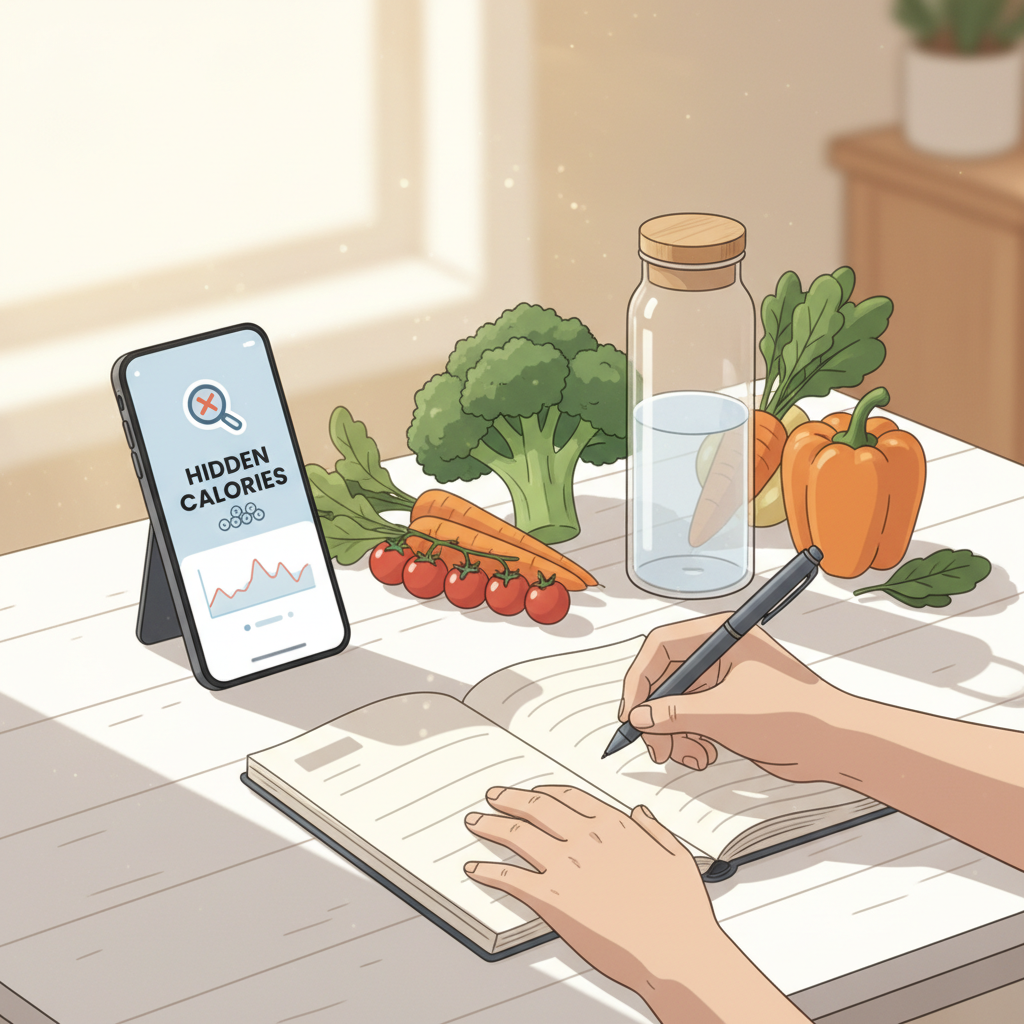
The portion eyeball trick becomes crucial too. I spent time actually measuring my usual portions with hidden calories on, then practiced recreating those same portions without looking. Your hand becomes surprisingly reliable once you train it.
Most importantly, trust the process. The habits you built while tracking don't disappear overnight.
Your Questions, Answered
How do I hide calories on my nutrition tracker app?
Most apps like MyFitnessPal and Cronometer have this buried in their privacy or display settings - I usually find it under "diary settings" or "display options" where you can toggle off the calorie counter. From what I've seen, you'll still track everything normally, but the calorie numbers just won't show up on your main screen.
When should someone use a nutrition tracker without seeing calories?
I'd recommend this when you're recovering from obsessive calorie counting or dealing with disordered eating patterns - focusing on nutrients and food variety instead of numbers can be way healthier mentally. It's also great if you just want to track protein, vitamins, or other nutrients without getting hung up on the calorie anxiety that comes with seeing those daily totals.
How accurate is nutrition tracking when you can't see the calories?
The tracking itself stays just as accurate since you're still logging the same foods and portions - the app just hides the calorie display from you. I've found this actually makes me more honest with my logging since I'm not tempted to underestimate portions or skip entries just to keep my calorie count looking "good."
My Honest Take
Here's what I'd do: try the hidden calorie feature if tracking numbers triggers you, but don't use it as a permanent crutch. Recovery means eventually facing those digits without panic.
Next week, I'm testing which apps actually nail this balance between awareness and obsession.